
Automation
Sep 24, 2025
RFID Warehouse Management Without Replacing Your WMS: Integration, Auto-Check-Ins & ROI
Read more




In short: Hands-free barcode scanning means the scanner sits on the worker's hand instead of in it, so both hands stay on the box, the pallet or the part. Every scan happens in the same grip as the pick itself: point, beep, carry on. The payoff comes from cutting out a tiny loop that repeats hundreds of times per shift, which is grabbing the gun, scanning, putting it down and grabbing the goods again. This guide explains which hands-free options exist (hand-mounted scanners, voice, cameras, RFID), where each one fits, what a wearable scanner has to do to survive a real shift, and how to roll it out one zone at a time. It is written by the SMAVOO team, which builds the SMAVOO WEAR Barcode Scanner, a hand-mounted scanner with its own small display, so we will be upfront about where a wearable is the right tool and where it isn't.
Hands-free barcode scanning is any way of capturing a barcode without holding a scanner in your hand while you do it. The most common form is a small scanner worn on the back of the hand or on a finger, triggered by a thumb button or automatically when a code comes into view. Voice-directed systems and fixed cameras also count, because in both cases the worker's hands stay free for the actual job.
The idea sounds almost too simple to write a guide about. It isn't. A classic handheld scanner works fine when scanning is the job. It gets in the way when scanning is something you do in between the job, which describes most of a warehouse: lifting cartons at the dock, reaching into a shelf on a ladder, placing a part at the line. Anywhere the hands are busy, a device that also needs a hand becomes the bottleneck.

A handheld scanner slows people down because it turns every scan into a small juggling act. Put the carton down, pick up the scanner, aim, scan, holster or park the scanner somewhere, pick the carton up again. None of these steps takes long. Repeated a few hundred times a shift, they quietly add up to a real chunk of the day, and they are exactly the steps nobody plans for when a process is timed on paper.
There is a second cost that shows up later. When scanning is awkward, people find workarounds. They scan one label and count the rest by eye, or they set the device down on the pallet and forget it there. In our projects the question is rarely whether a team can scan. It is whether scanning is easy enough that they actually do it every single time.
And then there are the wrists. The European Agency for Safety and Health at Work (EU-OSHA) lists repetitive movements and awkward postures among the main risk factors for musculoskeletal disorders, which are among the most common work-related health problems in Europe. In an EU-OSHA report based on the European Working Conditions Survey, roughly three out of five workers reported musculoskeletal complaints, and 41 % reported pain in the shoulders, neck or upper limbs. Constantly switching between a scanner grip and a lifting grip is a textbook example of both.
There are four main ways to capture data without a handheld: a scanner worn on the hand, voice direction, fixed cameras and RFID. They solve different problems, so the honest answer to "which one?" is usually "depends on what the hands are doing".
| Option | How it works | Strong where | Watch out for |
|---|---|---|---|
| Hand-mounted or ring scanner | Small scanner on the hand, triggered by thumb button or automatically | Picking, goods receipt, inventory on the move, verification at the line | Codes still need to be in line of sight |
| Voice-directed work | Headset gives instructions, worker confirms by voice | Long pick routes with few scans | Confirms locations and quantities, but doesn't read the code itself |
| Fixed camera or tunnel scanner | Codes are read as goods pass a fixed point | Conveyors and packing stations with predictable flow | Only works where the goods come to the scanner |
| RFID gate or handheld reader | Radio tags are read in bulk, no line of sight needed | Full pallets, returnable containers, inventory counts | Every item or carrier needs a tag |
Most warehouses end up with a mix. A wearable where people touch individual items, RFID where whole carriers move through a gate, and a fixed scanner where goods ride past on a belt.
Hands-free scanning pays off wherever a person scans while carrying, reaching or assembling. Four places stand out.
At the dock, two jobs collide: handling the goods and recording them. With the scanner on the hand, the carton stays in both hands and the scan happens in the same movement. Quantities and positions are booked while unloading, instead of afterwards at a terminal, and a misread shows up right there because the scanner beeps and shows the result on the back of the hand.
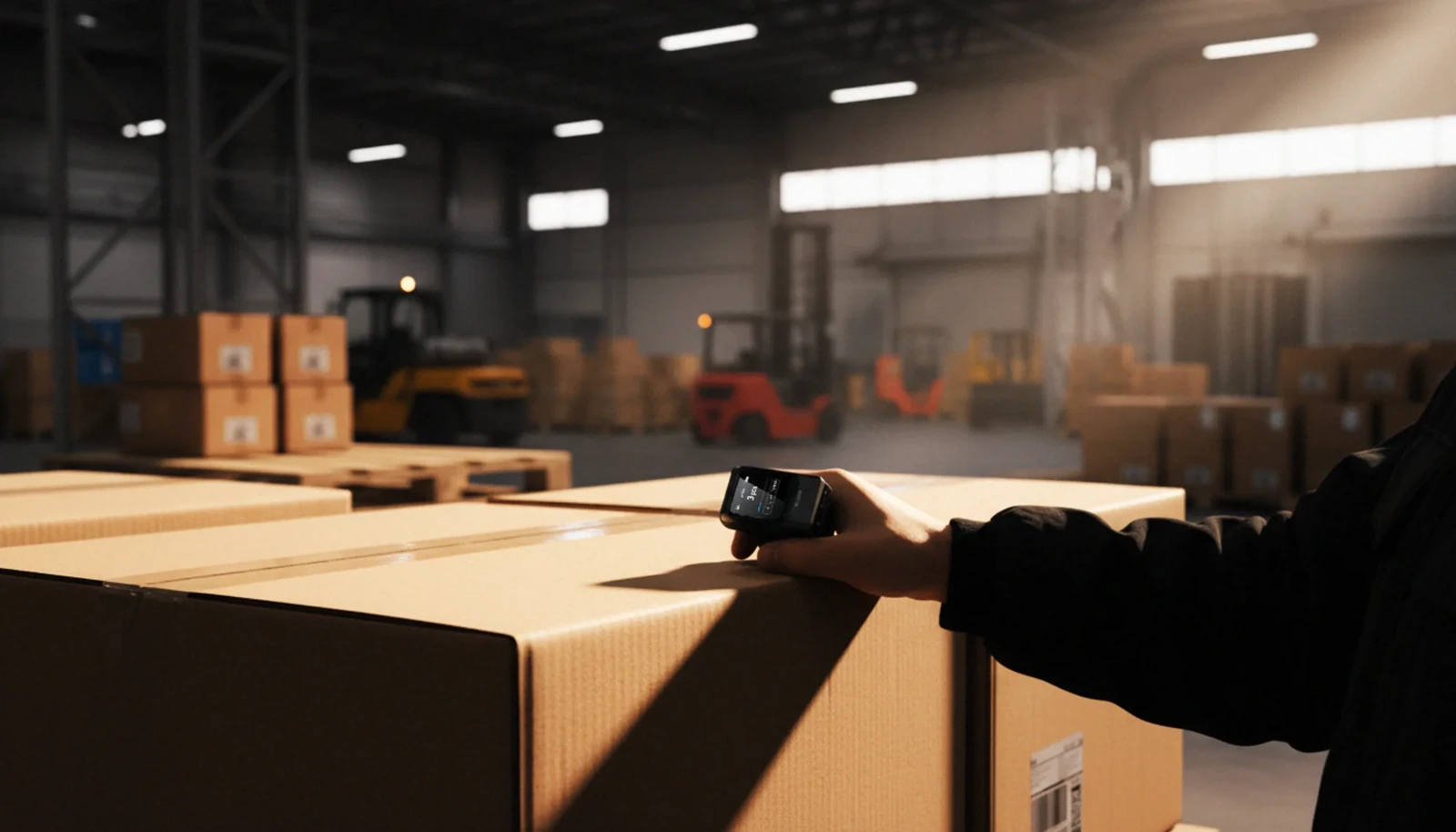
During cycle counts on a ladder, both hands stay on the shelf. When putting away, one scan of pallet and location confirms the right match without anyone climbing off the forklift to fetch a device. The result is unspectacular and valuable: scanning actually happens in places where grabbing a handheld used to be too much hassle.
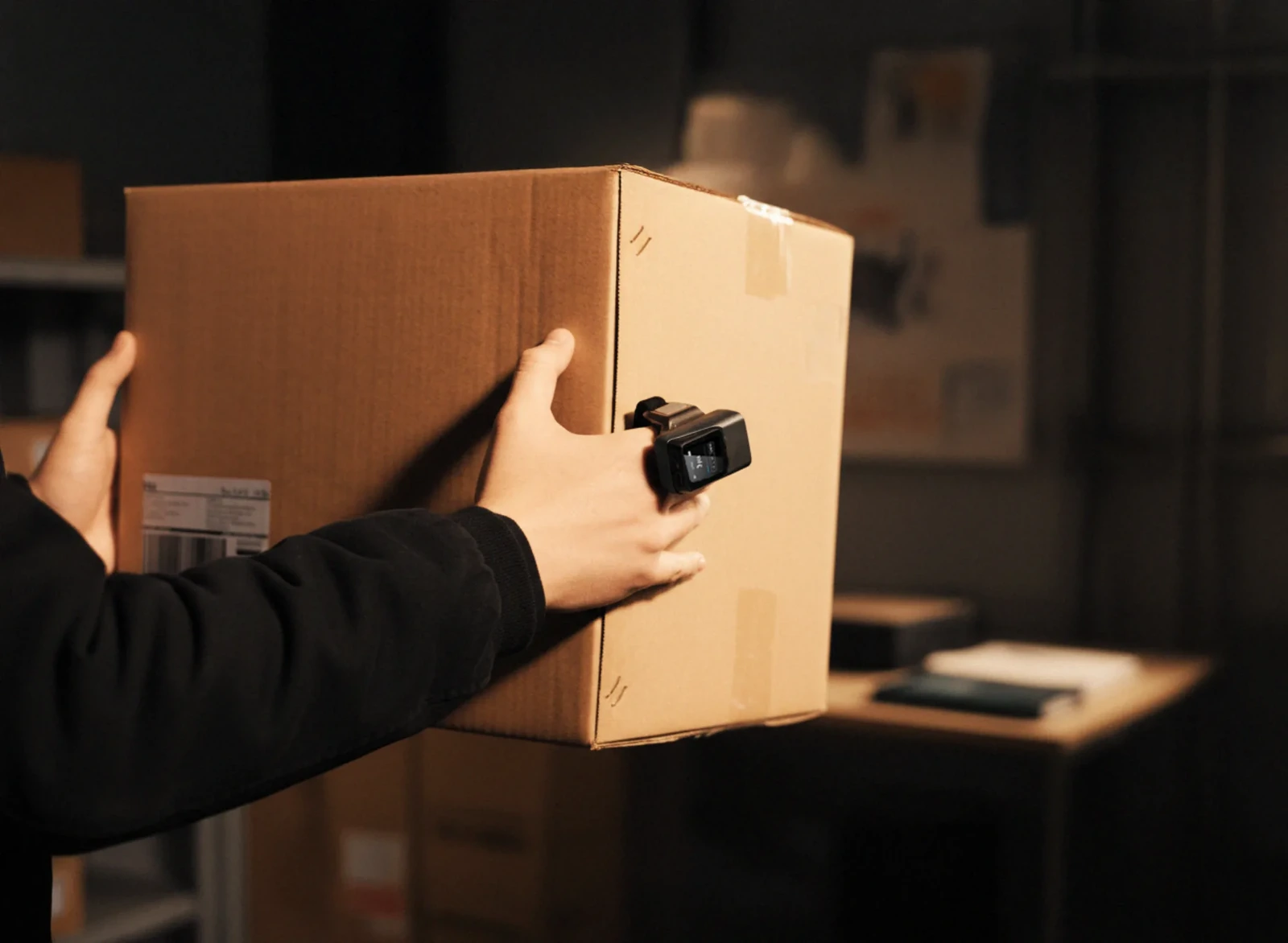
Picking lives on rhythm, and a handheld breaks that rhythm at every pick. With a wearable the sequence becomes grab, scan, place. The system validates each pick at the moment of removal, so a wrong item is flagged by a beep at the hand and not at the packing table. If you want to go further than scanning, our overview of smart picking with pick-by-light and RFID shows the other building blocks.
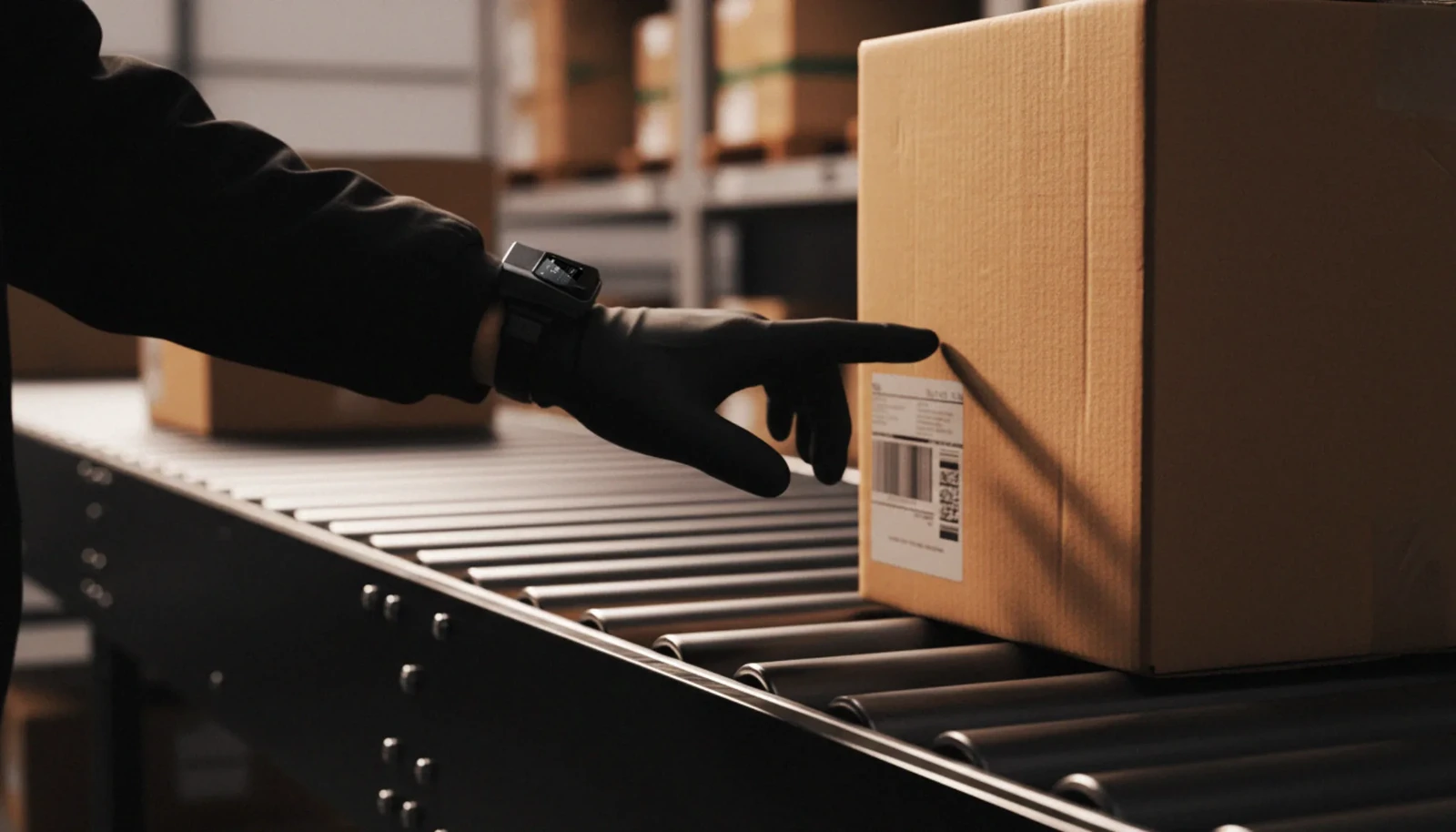
At the line, a worker scans the component without putting the tool down. If the part doesn't match the variant, the system says so immediately and not at final inspection. Serial numbers get captured as units leave the station, which gives you traceability as a by-product of normal work.
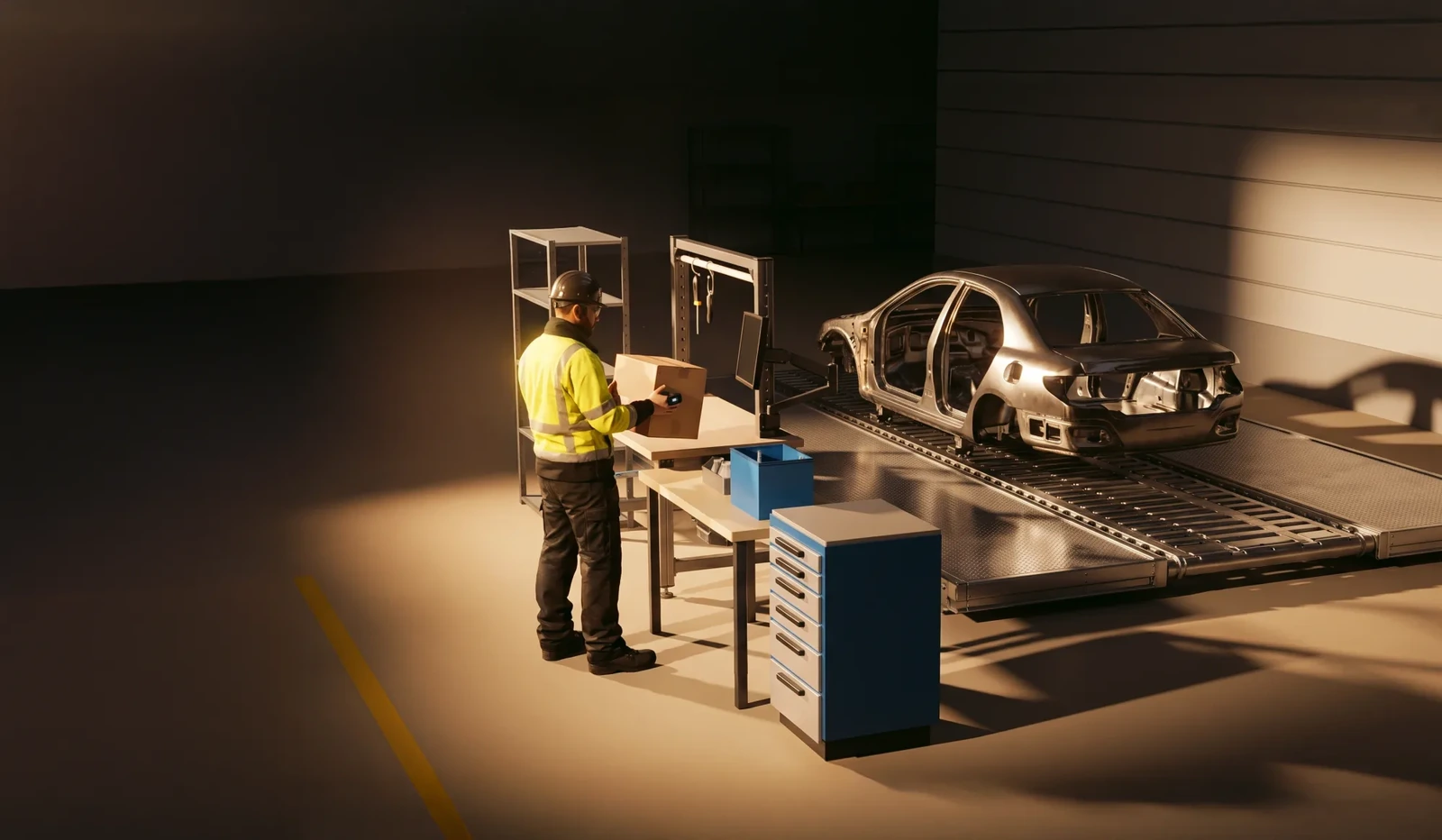
A wearable scanner has to be light enough to forget, loud and clear enough to trust, and robust enough to last a shift. Here is the checklist we would use, with the values of the SMAVOO WEAR Barcode Scanner as a reference point.

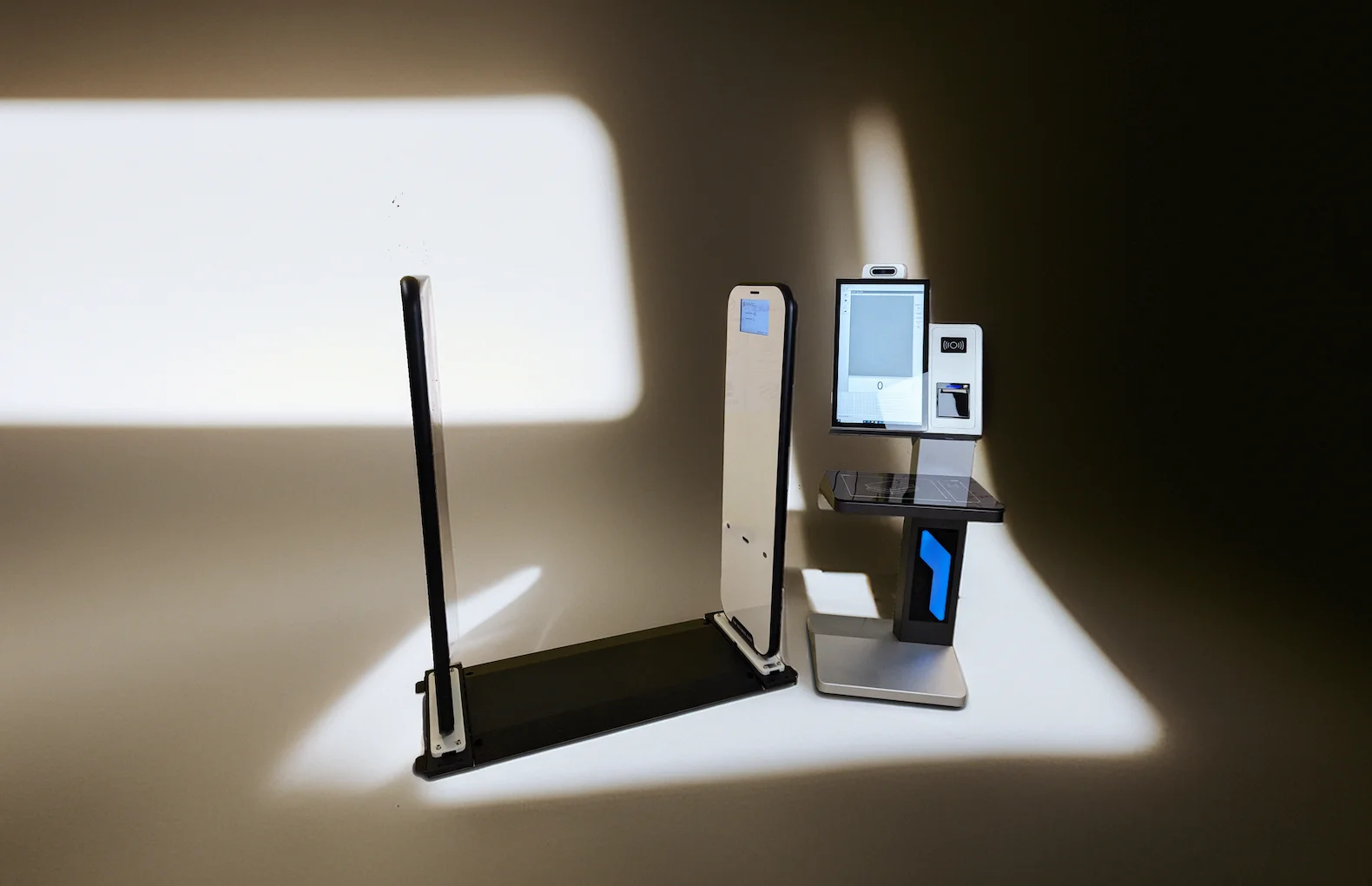
RFID is the better choice when you want to capture many things at once, or when nobody should have to touch the goods to record them. A barcode needs one scan per code and a clear line of sight. An RFID reader picks up every tag in range in one go, for example all cartons on a pallet driving through a gate at goods receipt.
That doesn't make barcodes obsolete. Most goods arrive with a barcode already printed, and tagging everything costs money. A common and sensible setup combines both: RFID on returnable containers, pallets and high-value assets, barcodes on everything that comes in from suppliers, and a wearable scanner for the moments where a person handles individual items. We go into the details of RFID gates, tags and integration in our guide to RFID warehouse management without replacing your WMS.
You introduce it the same way you'd test a new pair of work shoes: one zone first, for a couple of weeks, and then you decide. A step-by-step rollout keeps the risk small and gives you numbers from your own floor instead of from a brochure.
Scanning is one step in a longer material flow. How the pieces fit together from goods receipt to the line is mapped out on the SMAVOO solution map, our big overview of every solution.
In most cases, yes. The SMAVOO WEAR connects via Wi-Fi or Bluetooth Low Energy and hands the scanned codes to your host system. How the data arrives in your WMS or ERP depends on that system, so it's worth a short technical check before the pilot.
Linear 1D barcodes as well as 2D codes such as QR and Data Matrix, at distances of up to about 50 cm. That matters more every year, because more and more packaging carries 2D codes alongside the classic barcode.
The scanner is small (78 × 50 × 21 mm), sits on an elastic fabric mount and can be worn on either hand. The honest test is still your own team: let a few people wear it for a full shift and ask them afterwards.
The lithium-ion battery is swappable and can be charged externally. So a charged spare can go in while the empty one charges, and the scanner stays in use.
Use RFID where you want to read many tagged items at once, for example full pallets at the dock. Use a wearable barcode scanner where people handle individual items that already carry a barcode. Many warehouses run both.
Every scan that doesn't need a free hand is a scan that actually happens. Want to see how that would look in your warehouse?
Every operation is different, so we start with your process and not with a product list. Book a free 30-minute consultation with our team and we'll look at where hands-free scanning would make the biggest difference for you.
A note on the images: scene images in this article were created or modified with AI for visualization purposes.
Lorem ipsum dolor sit amet, consectetur adipiscing elit, sed do eiusmod tempor incididunt ut labore et dolore magna aliqua. Ut enim ad minim veniam, quis nostrud exercitation ullamco laboris nisi ut aliquip ex ea commodo consequat. Duis aute irure dolor in reprehenderit in voluptate velit esse cillum dolore eu fugiat nulla pariatur.
Block quote
Unordered list
Bold text

Superscript
Subscript


